The Multimedia, Multitracking Workstation built for Musicians
Every mic, MIDI device and video camera in the room, recorded together on one clock. A full DAW and video editor, so the night you live streamed and tracked, is the same session you mix, cut, and export the next morning, and it opens in the DAW you already use
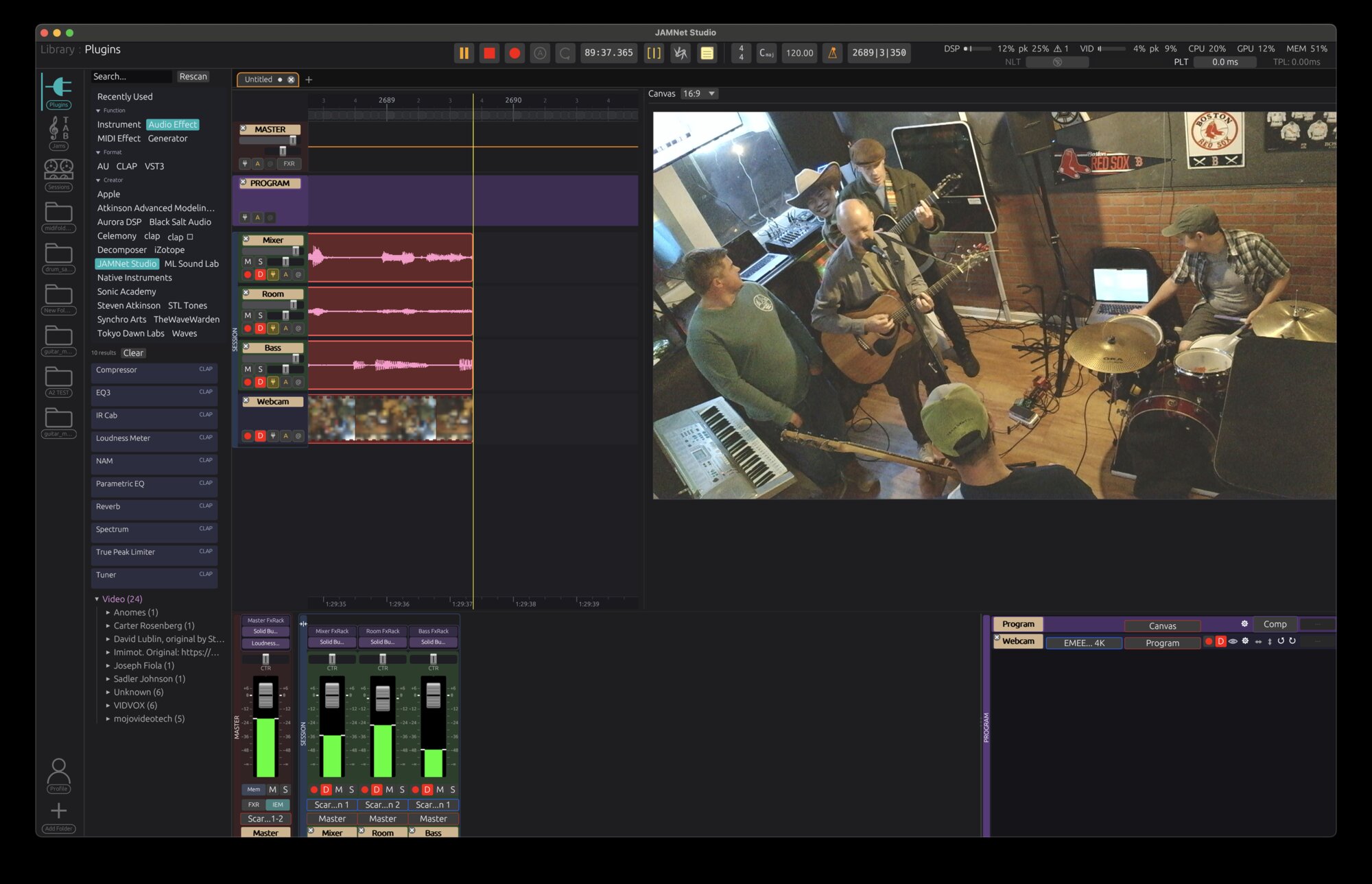
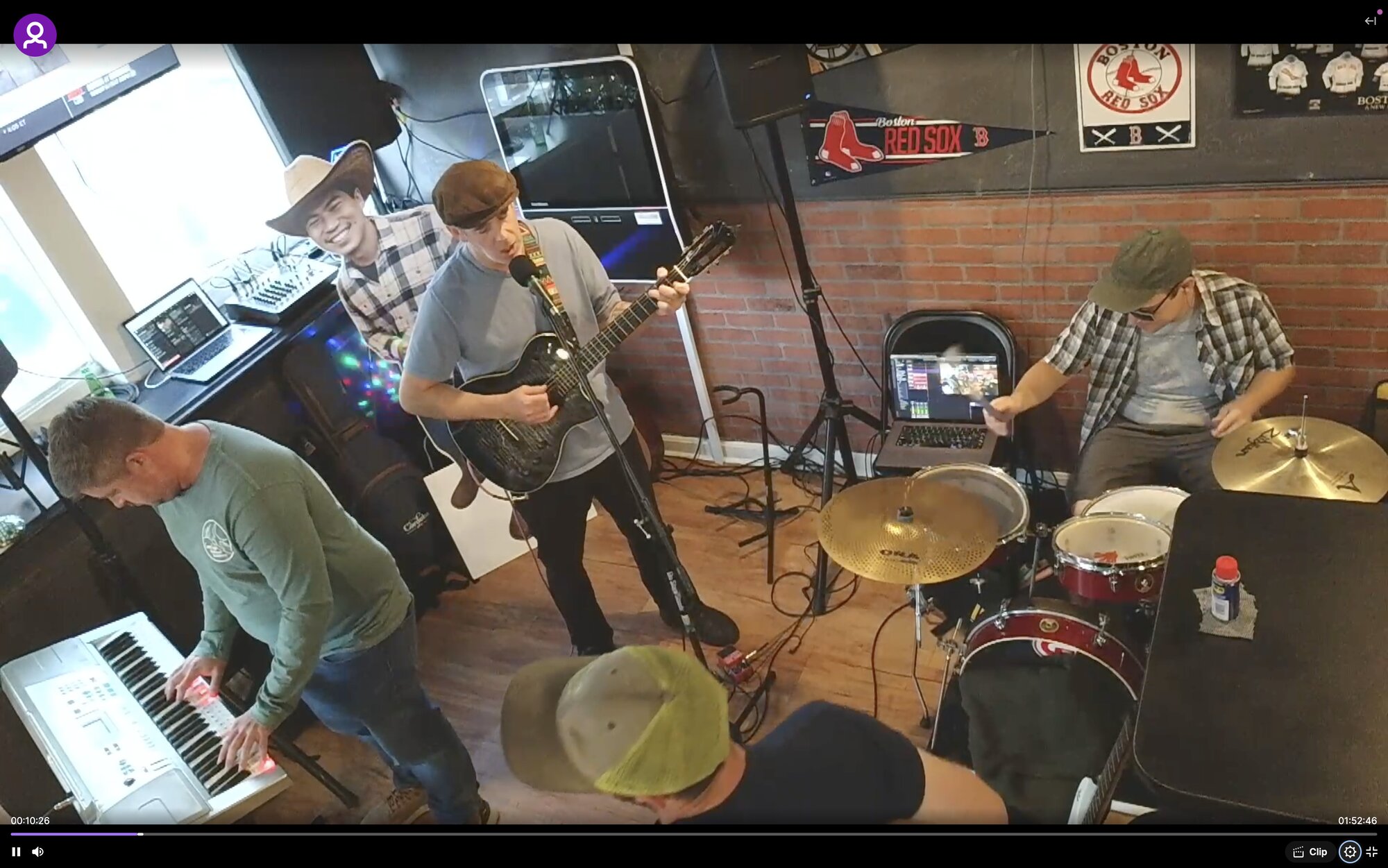
Mid-takeTwo USB interfaces, three mic lines, one webcam; one timeline, one capture, and two livestream destinations
House of The Rising Sun
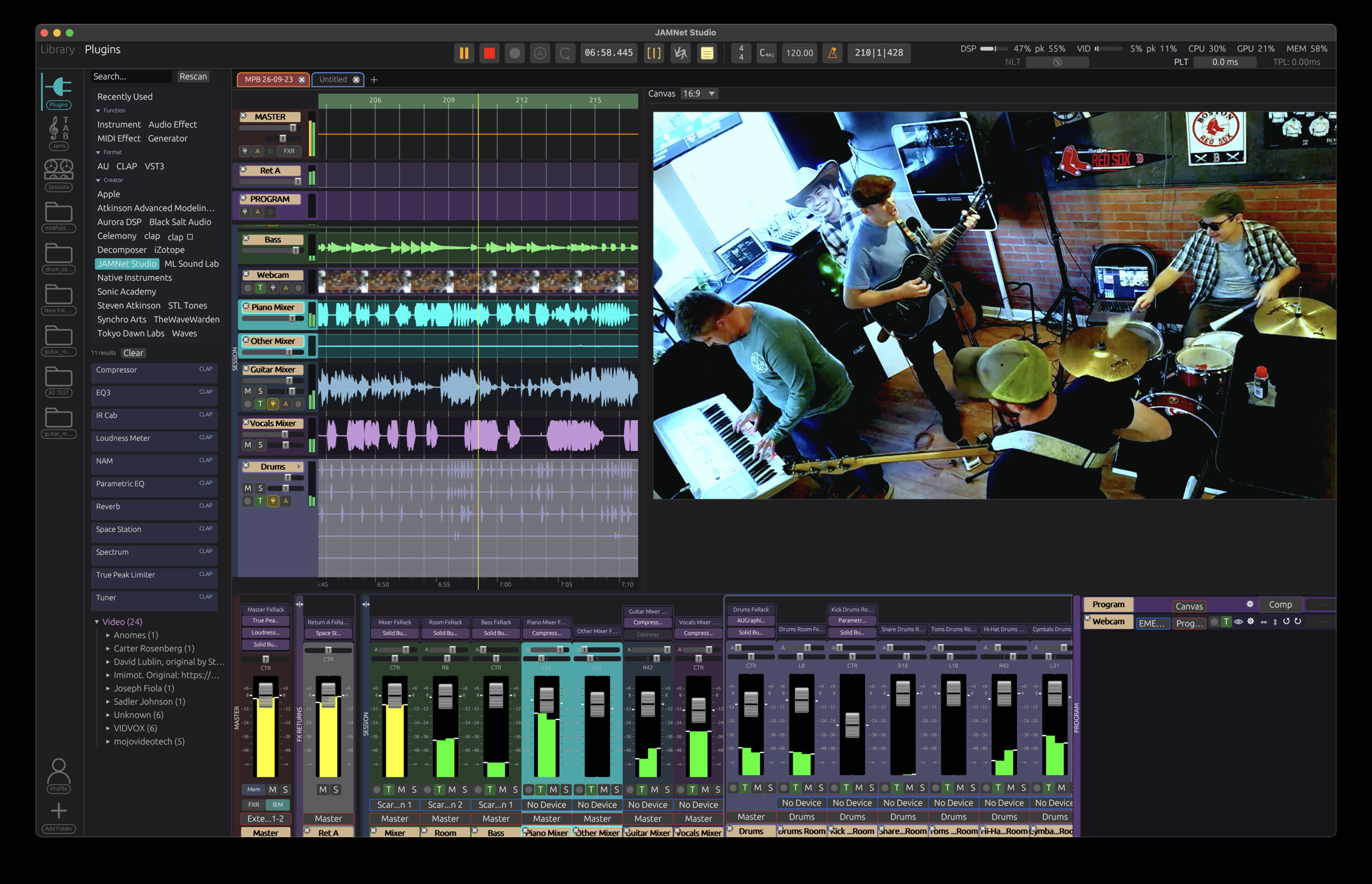
The next morningUnmix with source separation, remix with your favorite plugins, color grade, export, and upload for your fans. Boom. Done.
Welcome to the jam
JAMWire Studio is the workstation for the gig performing, content creating, song writing, DIY musician or band. Multitrack audio+video recording, a native Looper Station that loops video and lighting along with the audio (it sends the Click Track to your drummer, too...), a Tabs and Sheet music editor with automatic transcription, and a per-role, phone-controllable In Ear Monitoring system built into the Mixer. The free trial is full featured, forever. Hosting a session with your bandmates requires no subscription. Private, session-aware cloud storage, where bandmates post their practices or contribute takes to the album in progress, is the optional part.
The engine
- Low latency audio
- An engine built for tracking and for the stage. Use it live, use it in the studio, and keep full say over what plugin latency you tolerate.
- Video that doesn't drift
- Cameras and audio record on one clock. Hour three of the set lines up as tightly as bar one, with nothing to slide into place afterward.
- Advanced MIDI controls
- Cue JAMs, Looper Station pads, switch Amp Modeler Rigs, or control DMX Lights and Camera angles, all from your pedal board while you play.
Over the network
- JAM on TOAST
- Host a session and your bandmates join it. Share it with a Co-Host for real-time co-authoring, or project a virtual rehearsal to the band, attending from their phones. Across the local network today; across the internet is next.
Plugin Latency Tolerance
- Set the ceiling
- Any plugin that would push its chain past the ceiling is bypassed automatically. Everything that fits stays in. Off for tracking, Auto for mixing and mastering, On for a budget you choose.
- See exactly what it costs
- A table lists every plugin, the bus it's on, and what it's costing you, with a running total.
- Heavy plugins get their own room
- Give one plugin more headroom without touching the rest of the chain. Your latency tolerance still decides whether it stays in.
The jam format: Joint Audio Multicast
".jam" is an open format for organized, role-separated music arrangements that you can use for practice, or as IEM references live. Portable across any DAW, and fully featured inside JAMWire Studio. Everyone attending a virtual rehearsal shares the same JAM, in sync.
- Tempo map
- The spine of the arrangement.
- Roles
- An organized part for each band member.
- Backing stems
- Reference tracks you can play along to for practice or performance.
- Tabs and sheet music
- Notation, lyrics, or a post-it note from the band leader, anchored to the arrangement.
- Lighting
- Pre-programmed DMX cues that play along to your set.
- Import a JAM
- Stem unmixing, tempo detection and auto-transcription turn any old demo recording into a [song].jam, or bring your own stems, MusicXML, MIDI, or Guitar Pro files.
Stem separation, tempo detection and transcription run on your machine. Nothing is sent anywhere.
One session holds the whole night
The audio, MIDI, cameras, cuts, charts, lights and the setlist live in one session. Open it from the browser and everything the show needs is already there.
- Sessions browser
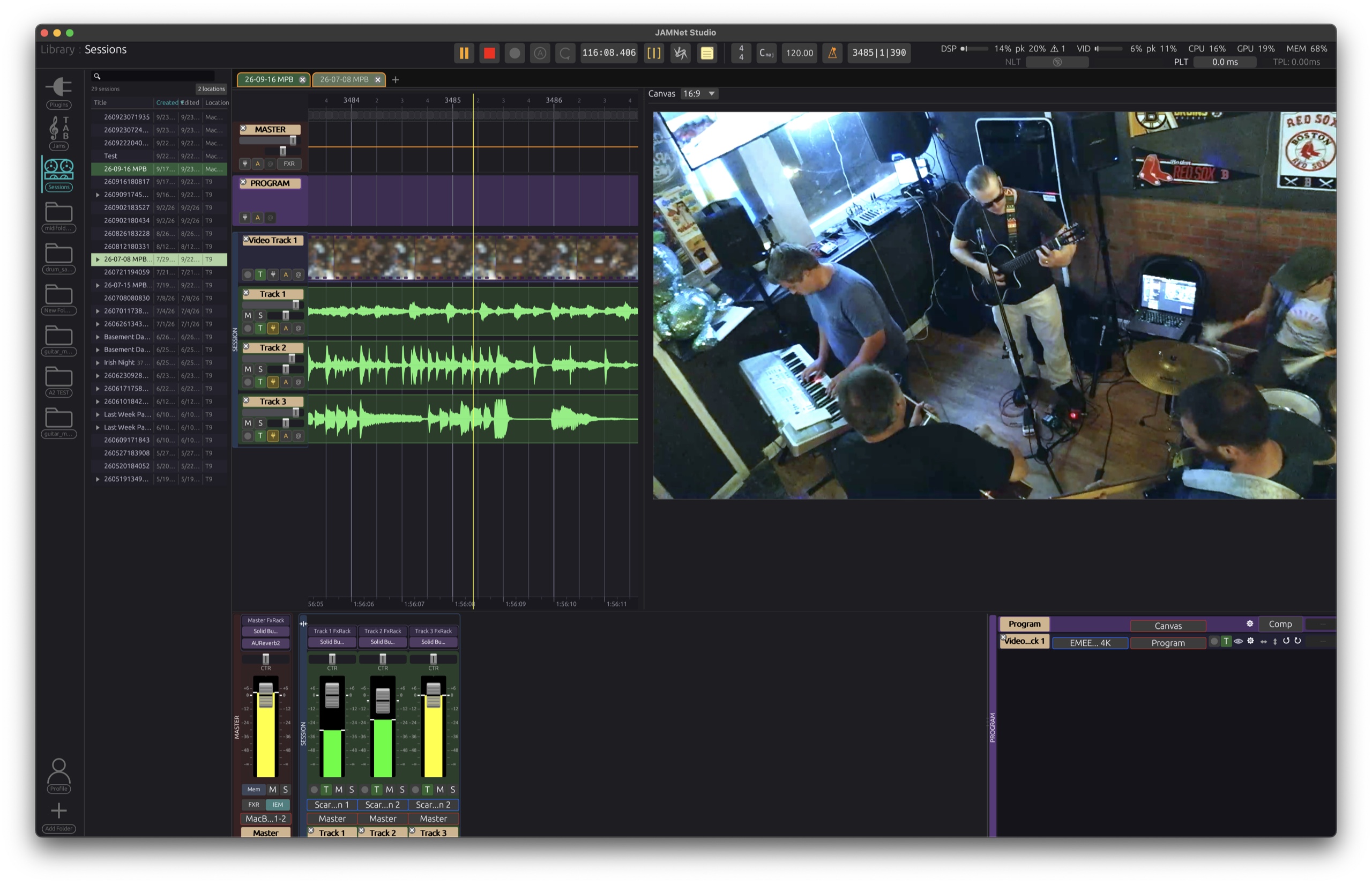
- Every session on your machine, on any connected drive, or in the cloud, automatically tracked and organized. A thumbnail preview shows you what's in it before you open it.
- Web-browser-style session tabs
- Keep more than one open. Drag takes and clips between them. The transport plays back where you're focused.
- Perform your JAMs
- Songs in your setlist roll out on cue, automatically, or from your FCB pedal board or the Remote Control app, providing per-role IEM reference mixes to your band members with a built-in Announcer voice that cues each member with the next song before it starts. Effortlessly multitrack it all, from every angle (and afterwards, auto-align clips taken by fans).
- Perform the cut, edit it later
- Camera switches made during the show are recorded as automation. Late on a switch during the livestream? Nudge it in post. Pre-program angle switches so you're never late again.
Lights, cameras, rock n roll
Drive the lights from the audio for an instantly responsive light show, bind a MIDI controller and improv along with the band, or pre-program the show and auto-cue it with your setlist.
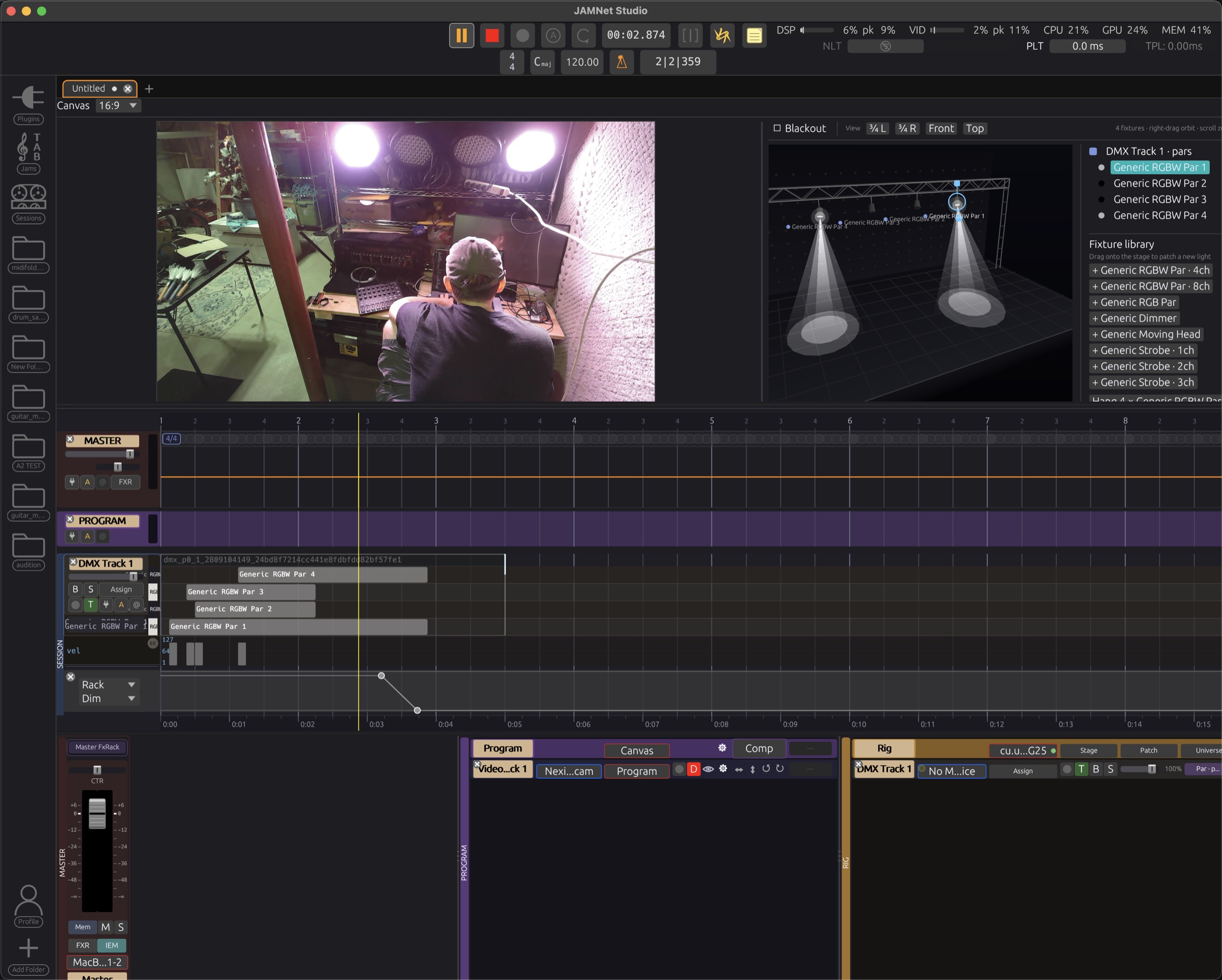
Lighting on tracks
Lighting lives on tracks beside the music, on the same timeline, and goes out over Art-Net or a USB-DMX interface. Fixtures you can sequence, dials you can automate.
Looper station (BYOFC)
Bring Your Own Foot Controller: if it sends MIDI, it can control the app. Pad-driven loops on any track, Amp Modeler rig switching, standby, setlist control, tap tempo, all on the same bank, completely customizable. Loop while jamming: extend the bridge for a solo on the fly and the Looper vamps on that part of the jam until you cue it to stop. Assign pads at section boundaries to mash up jams live.
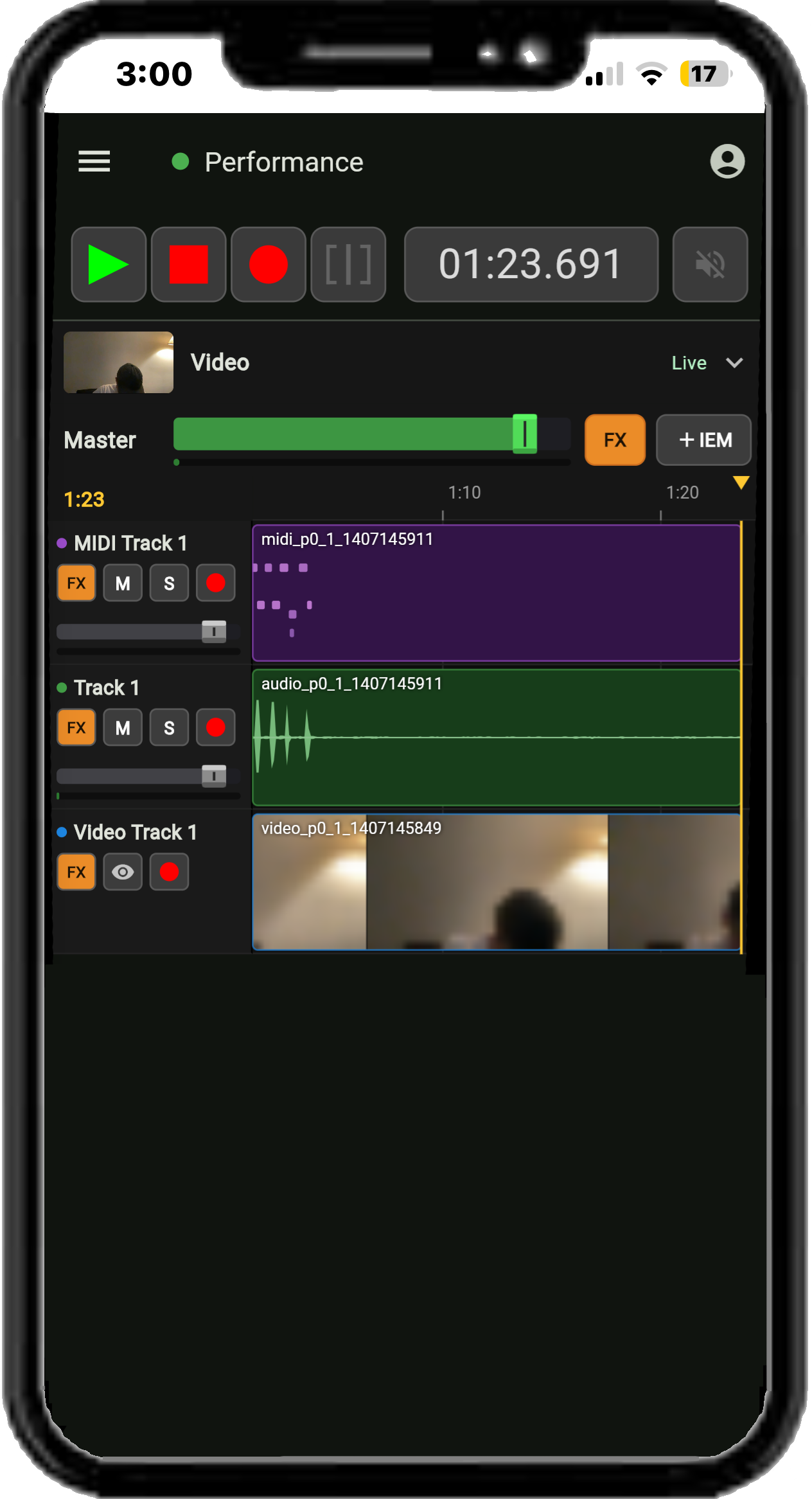
Your session, from your phone
Open the session on your phone over the venue's Wi-Fi and run the take from the stage while your Mac does the tracking: transport and record, arm tracks, set levels, mute and solo, and watch the timeline fill in as you play. Afterward, mix from the couch.
- Go live from the session
- Stream to Twitch, YouTube, Kick, Restream and other RTMPS services without a second application in the chain.
Also on the phone: every player's own in-ear mix, lyrics and charts, and the camera sources. A standalone phone app is in development, coming after the macOS beta turns stable.
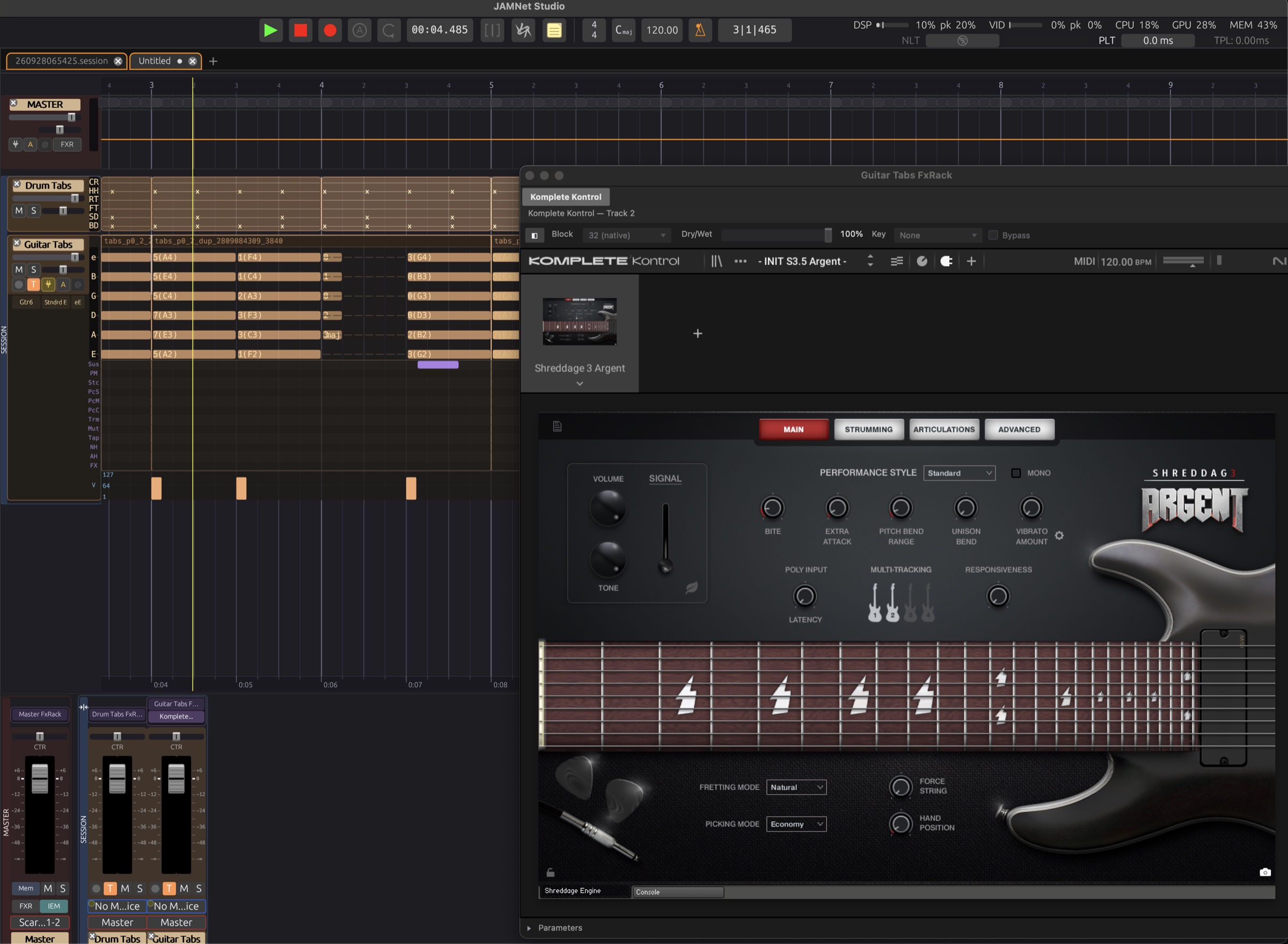
Tabs that play
Write the riff in tab, hear it through any instrument plugin you own, change the voicing, hear it again, then read the same part on stage, or as standard notation, from the same file.
- Chord and note typing
- In addition to fret numbers, type a note or chord name like 'Amin', 'E7', or less formal combinations like '3maj Bar' or '5 pow', and every string knows what you mean. Use the up and down arrow keys to cycle through standard voicings.
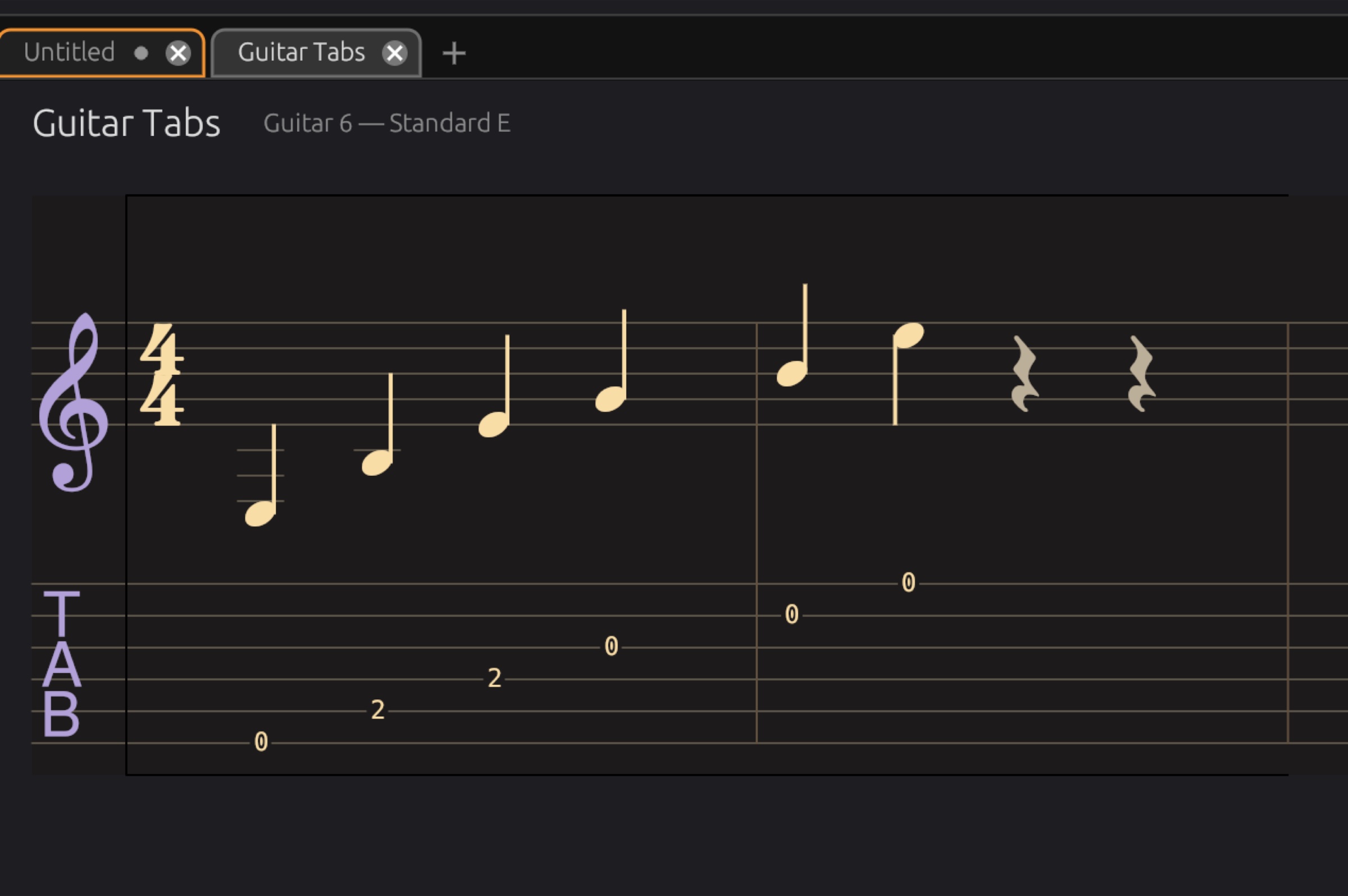
- Notation view
- 'Sheet View': view and print tabs in standard notation, or export to your favorite notation software.
- Vocal synthesis
- Put lyrics on the notes and hear them sung, to sketch the vocal line before it's tracked.
Stock plugins in the box, macros on every rack
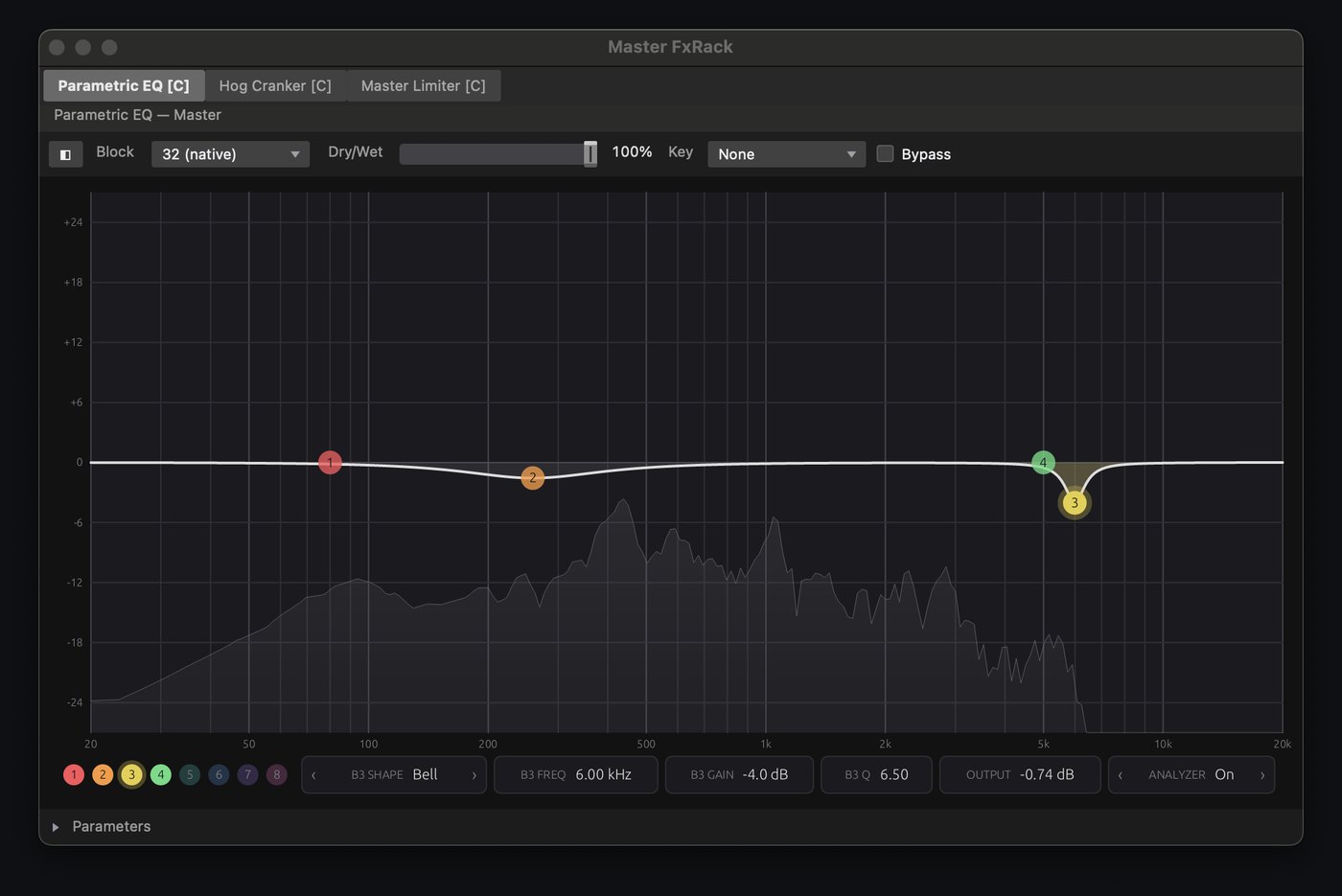
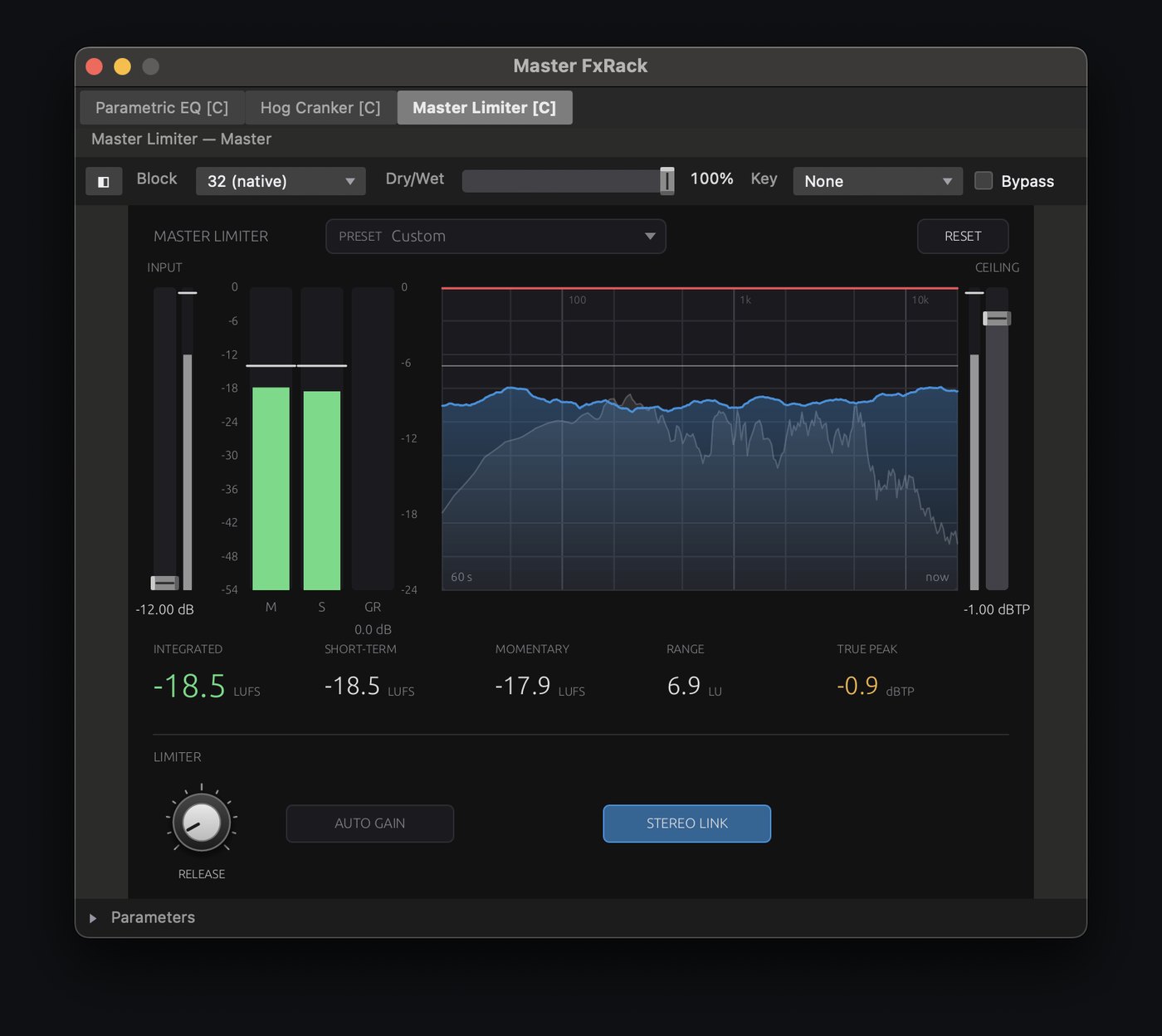
JAMWire Studio ships its own plugins. Stack them with your own AU, CLAP and VST3 plugins in racks, in any order, and drive any parameter from a rack's macro knobs.
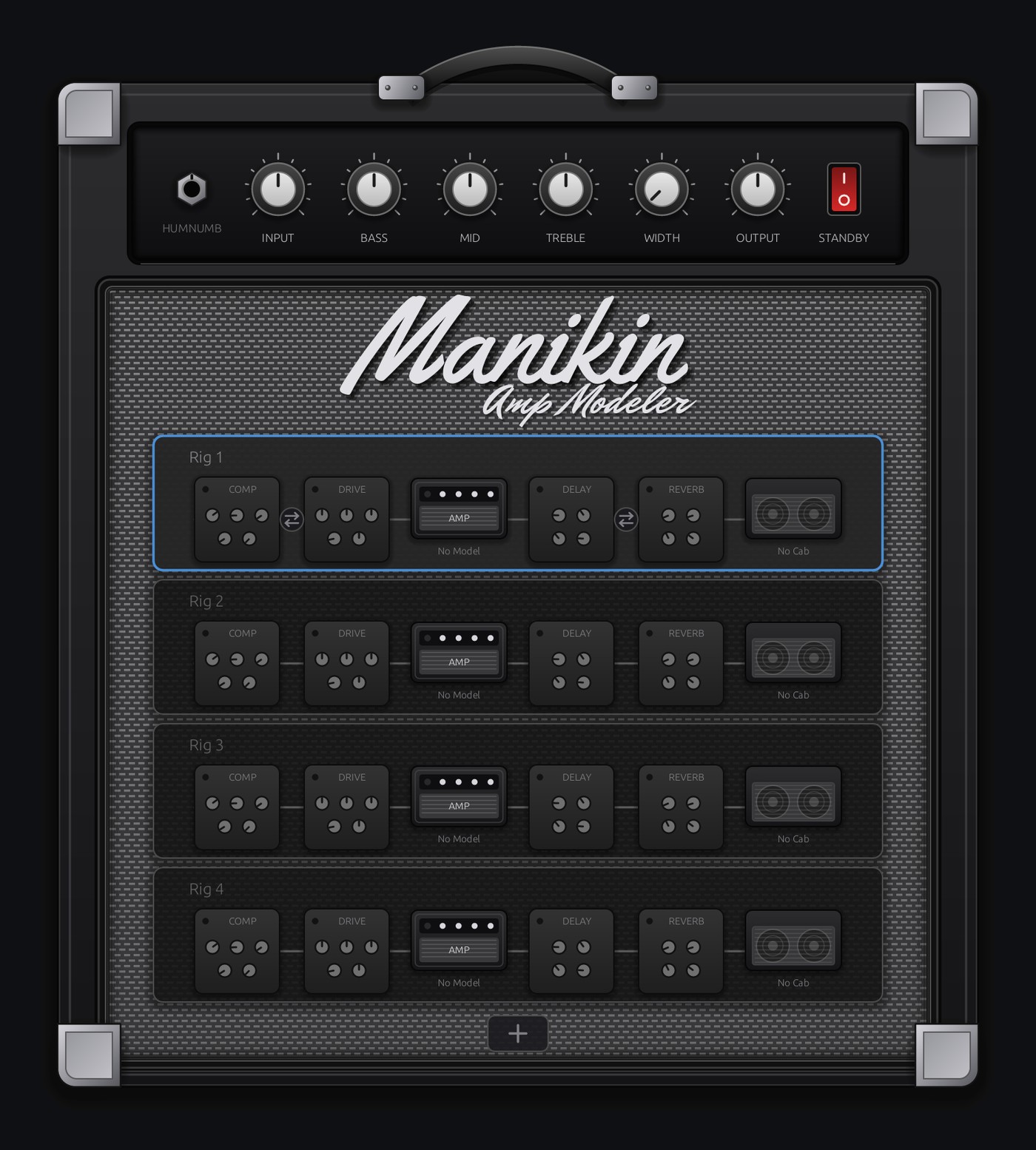
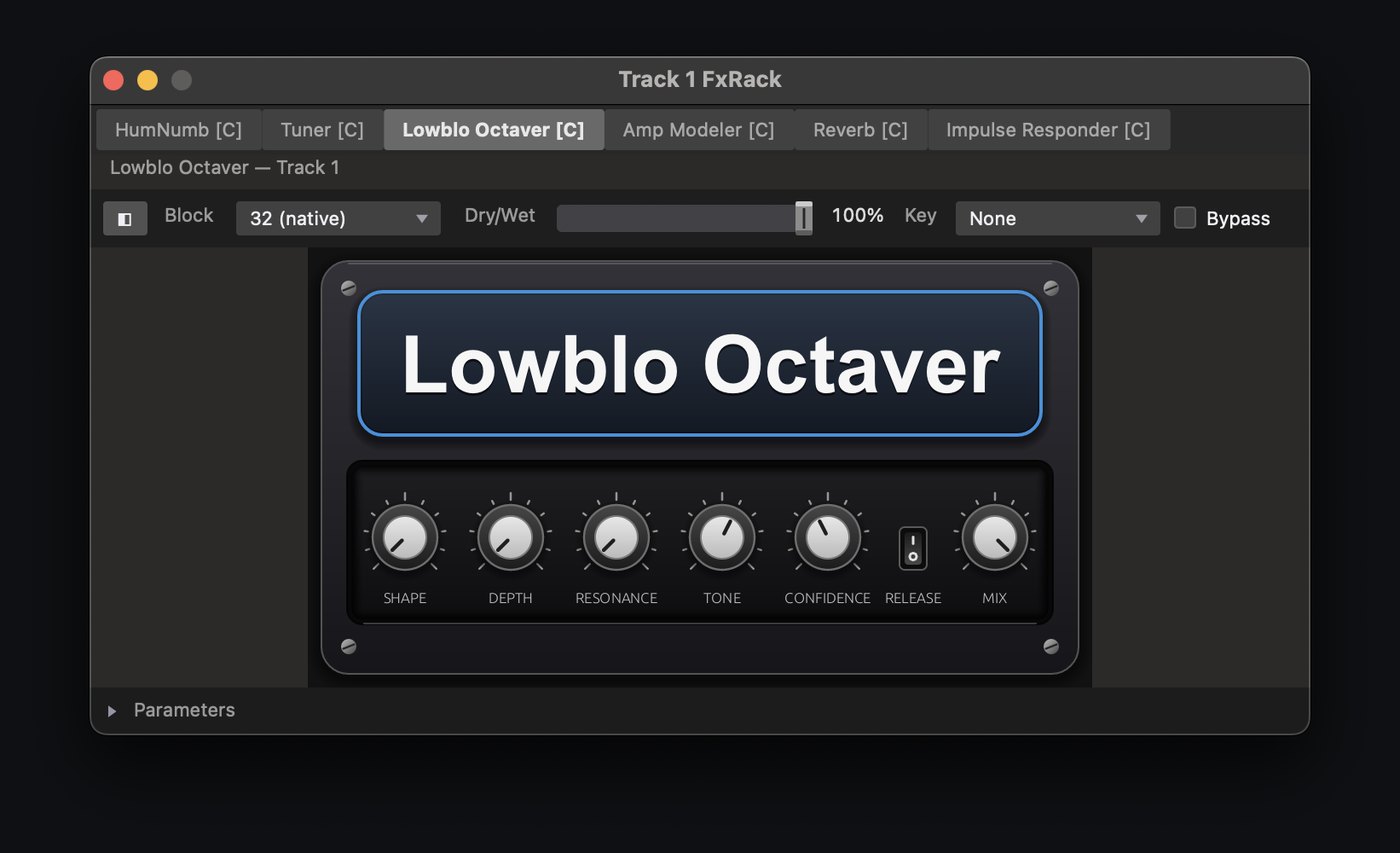
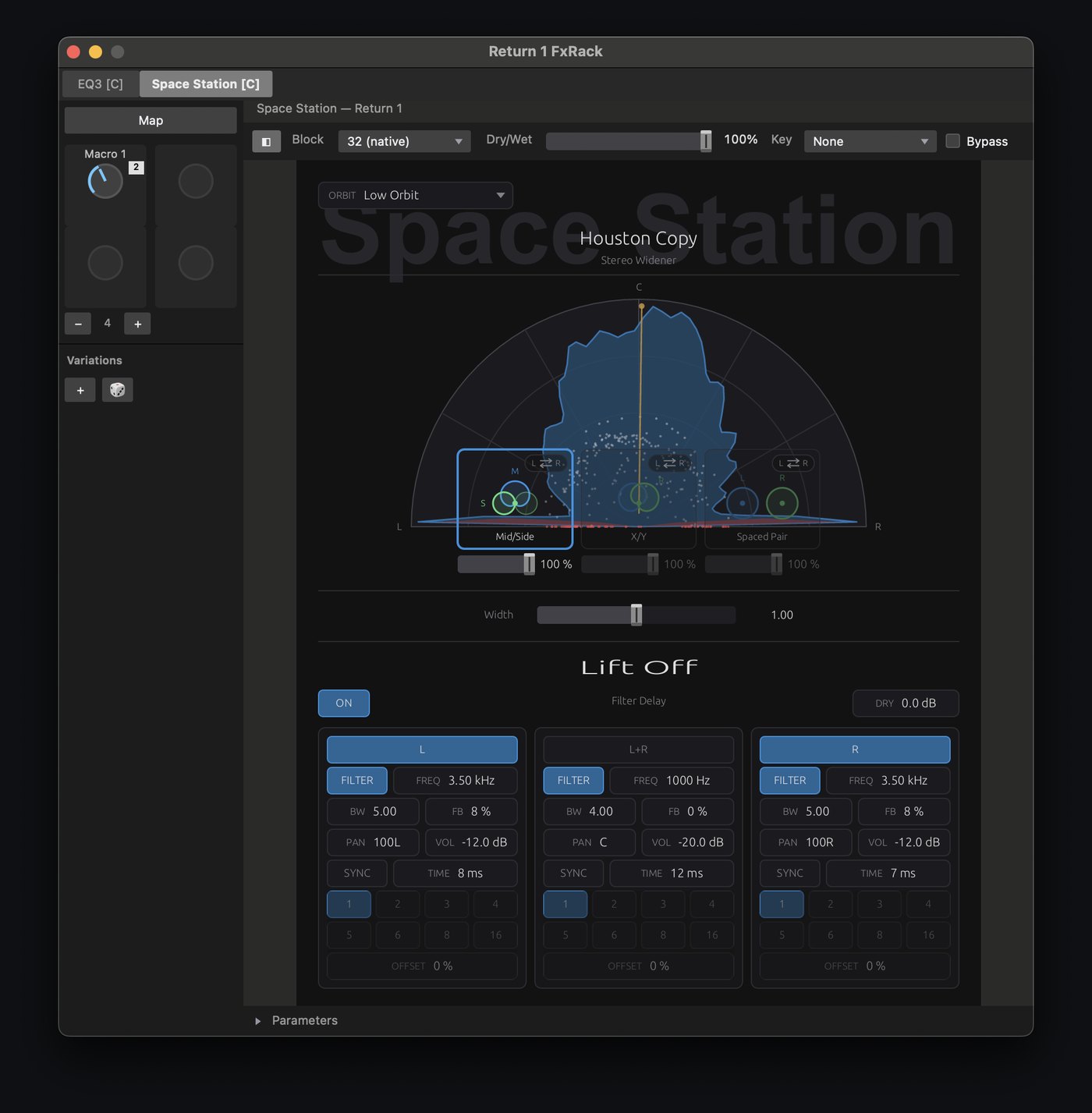
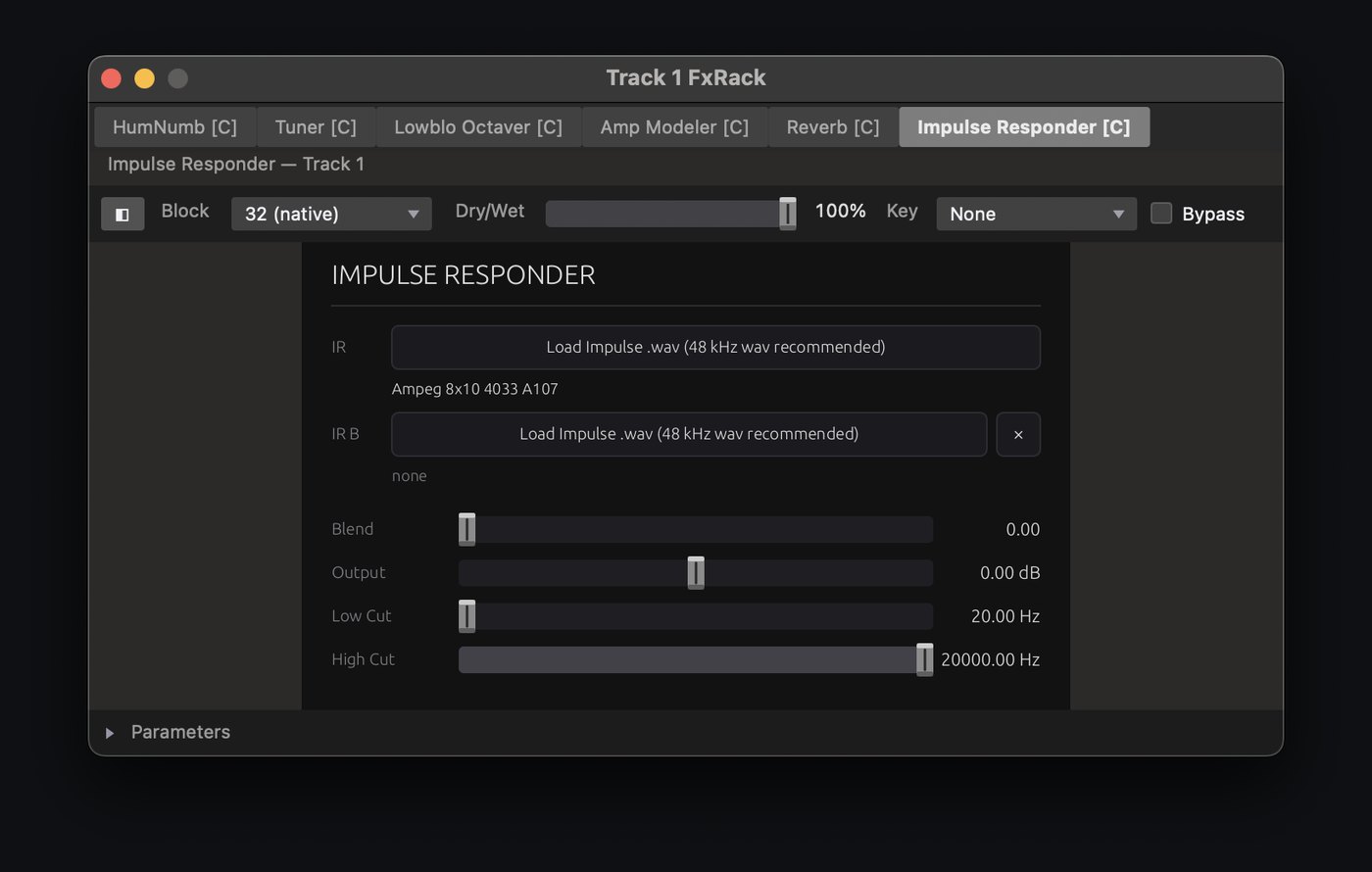
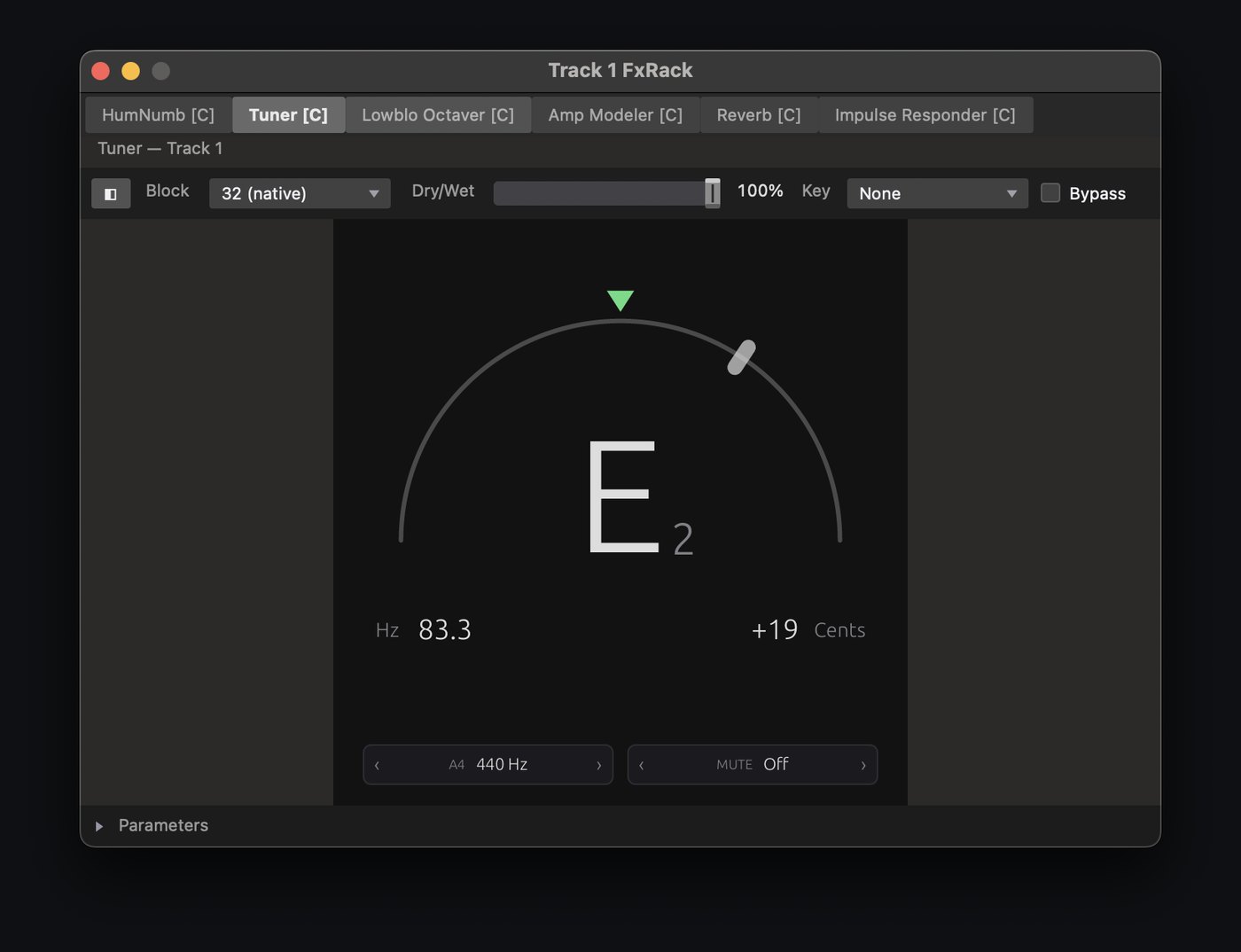
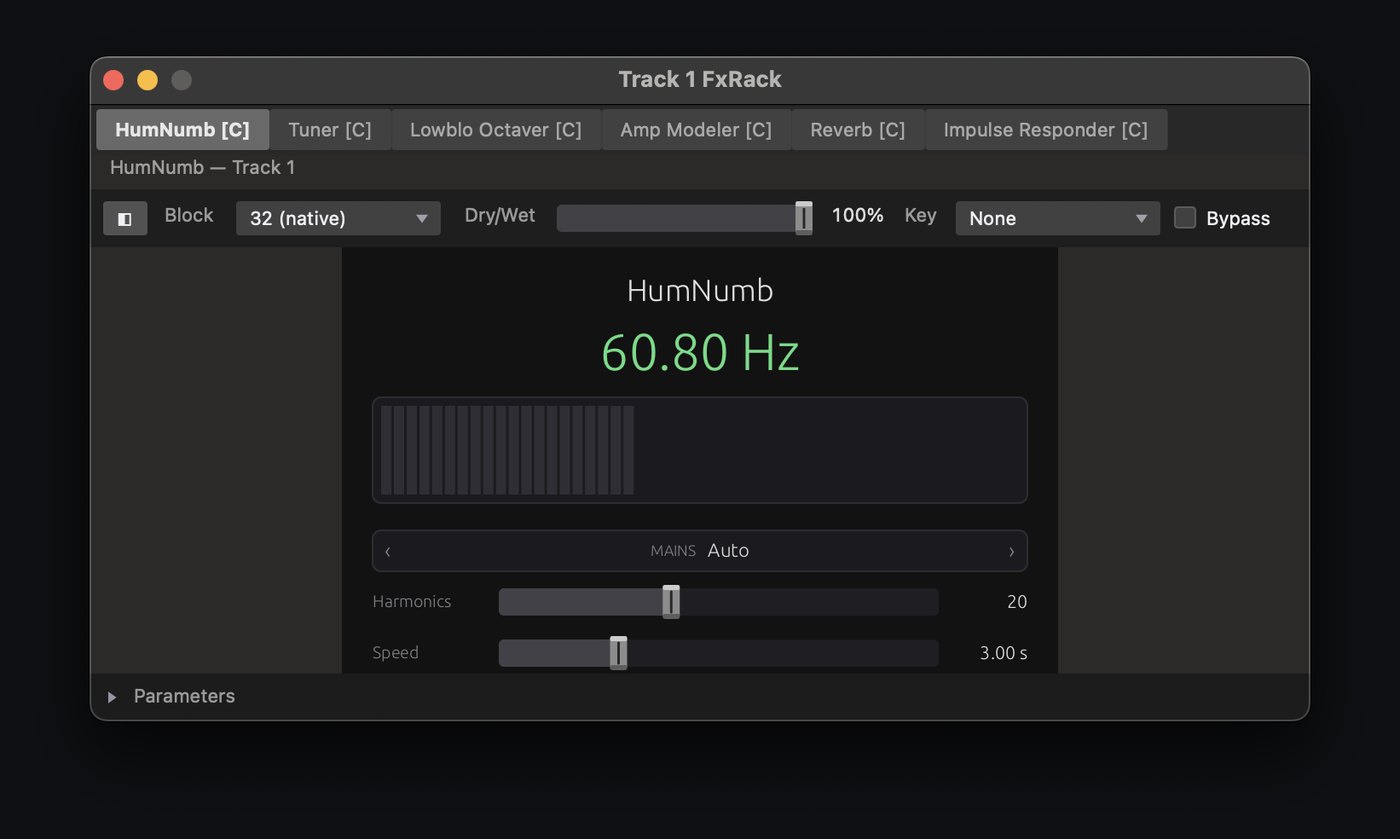
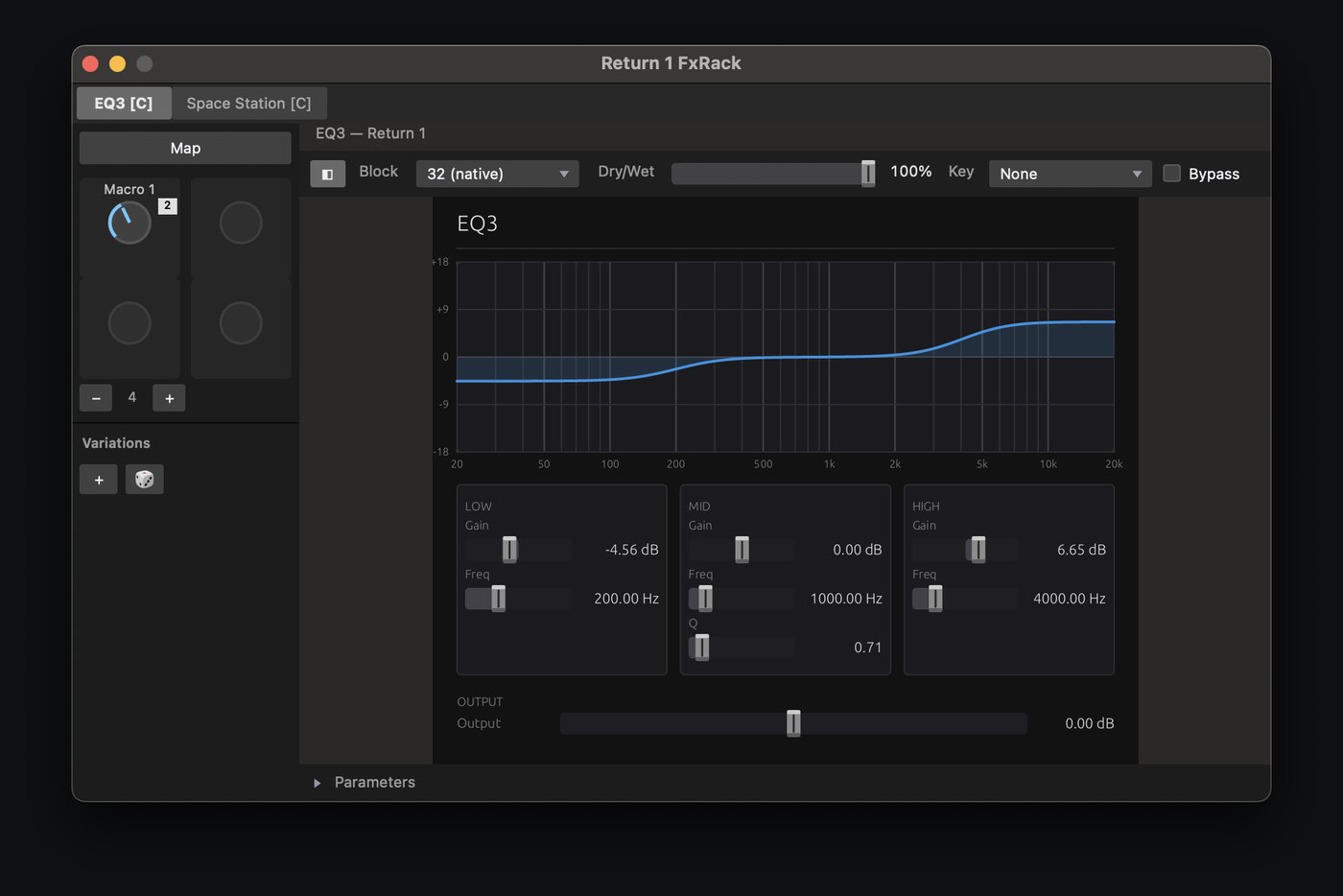
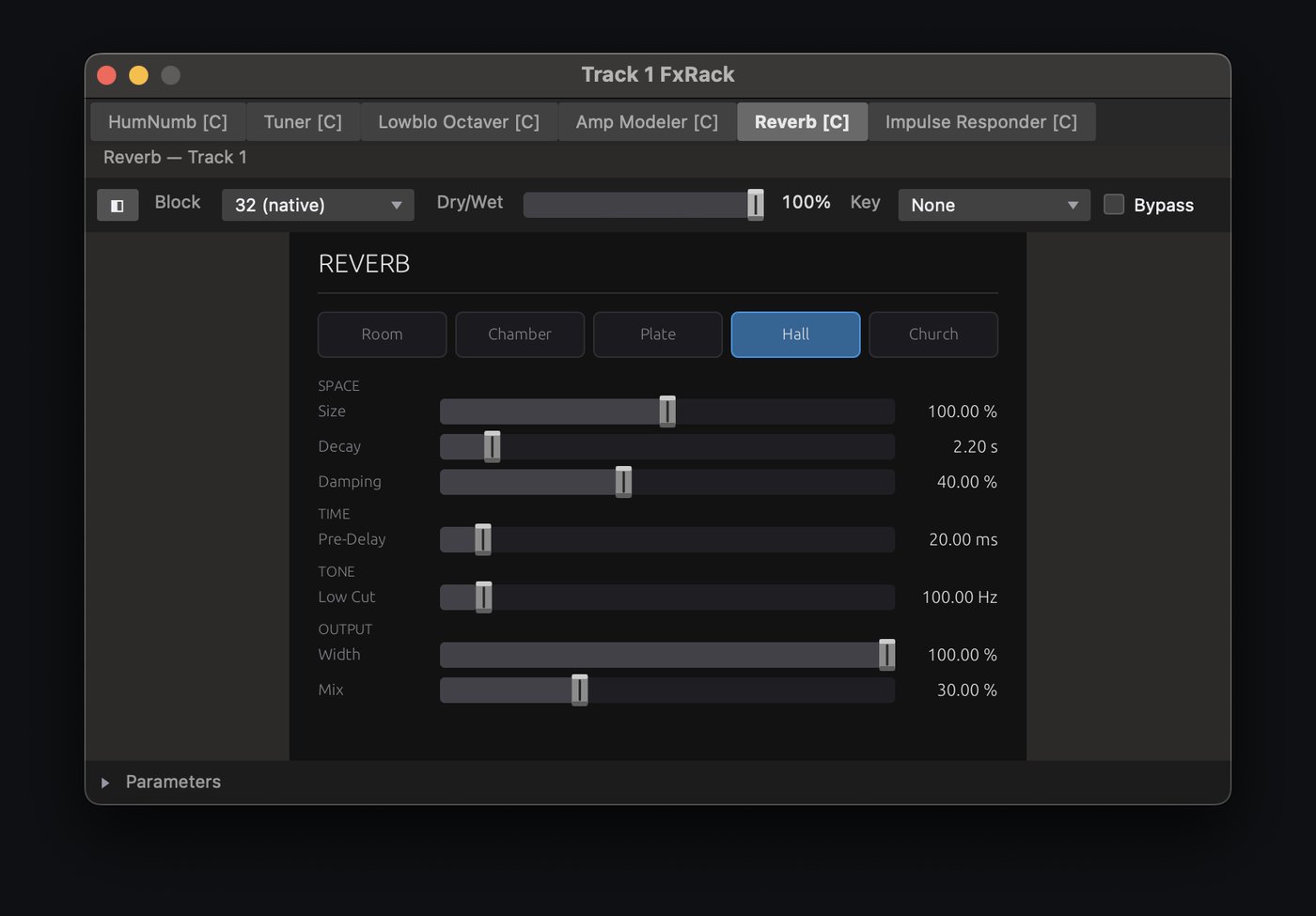
Macros on every rack
Map a macro to any parameter of any plugin in the chain, built into the FX rack. Global macros on the Master or FX Return racks can drive any other track's macros.
After the beta
The app records to your own disk and always will. What comes next is optional cloud storage that understands sessions, so a take is already safe by the time you've coiled the cables.
- Record direct to cloud. Takes upload while you're still playing them. If the laptop dies mid-set, everything up to that point is already safe.
- Band pages and a practice room. Bandmates open the material from a browser, practice against the band minus their own part, and leave a take for the bandleader to review, with nothing to install.
- Nothing is ever stuck here. Open formats, exports to the DAW you use, and a one-click copy to your own drive if you leave. Pricing.